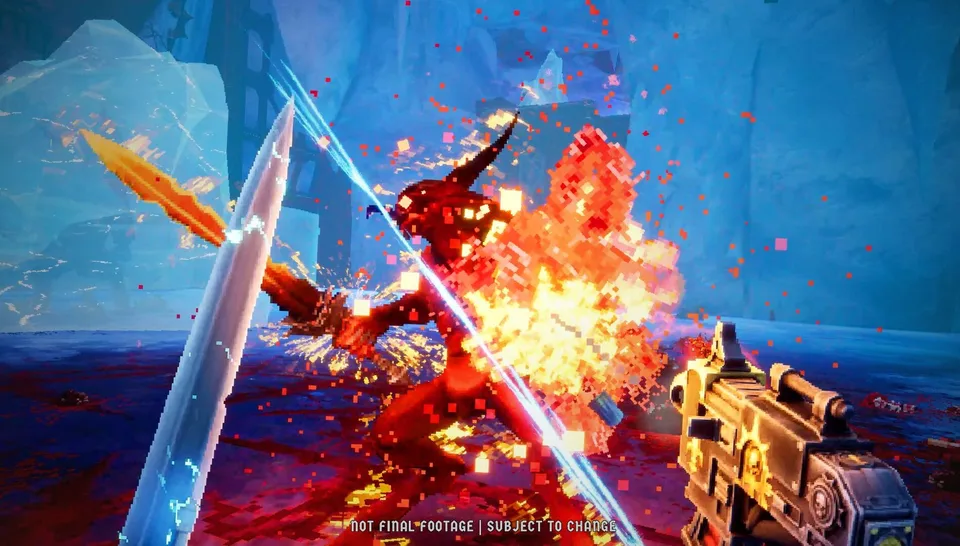
Boltgun 2 System Requirements: PC Specs & Hardware Guide
Check the official PC system requirements for Boltgun 2 on Steam, including minimum and recommended specs for Windows 10 and 11 to ensure peak performance.
Published: Boltgun 2 Wiki Editorial Team
Table of Contents
Understanding Boltgun 2 System Requirements on PC
When diving into Auroch Digital’s fast-paced retro first-person shooter sequel, verifying your hardware ensures uninterrupted, high-octane bloodshed. Whether you are playing as the returning Ultramarine Sternguard Veteran Malum Caedo or the nimble Sister of Battle Celestian Nyra Veyrath, maintaining a stable frame rate is critical for managing frantic movement and weapon wheels.
The title demands a 64-bit operating system across all configurations alongside DirectX 12 support. Below is the complete hardware breakdown sourced directly from the official Steam Store page for Warhammer 40,000: Boltgun 2, detailing exactly what your rig needs to run the game smoothly.
Minimum PC Specs for Baseline Performance
If your PC matches the baseline requirements, you can expect to run the game at 1080p resolution targeting 60 frames per second while utilizing low-quality graphic settings. These entry-level requirements keep the pixelated viscera and breakneck momentum accessible to a wide range of retro shooter enthusiasts.
Additional Notes: Configured for Low Quality settings at 1080p / 60 FPS.
Meeting these baseline specifications ensures that even during intense encounters against new enemy types like the mounted Blood Crushers or leaping Daemonettes, your machine will handle the engine's physics and environmental destruction without critical stuttering.
Recommended PC Specs for High-Quality Play
Players looking to experience the industrial propulsion of Mick Gordon’s soundtrack alongside high-fidelity pixel art and dynamic lighting should aim for the recommended hardware tier. This setup targets a steady 1080p performance at 60 FPS using high-quality preset configurations.
Additional Notes: Configured for High Quality settings at 1080p / 60 FPS.
While the RAM requirement remains at an accessible 8 GB, stepping up your graphics card and processor ensures that explosive chainsword combat, heavy flamer particle effects, and multi-faction Chaos battles remain visually crisp and responsive.
Storage and Operating System Optimization
With a modest storage footprint of only 13 GB required, installing the game on a modern Solid State Drive (SSD) is heavily encouraged. While mechanical hard drives are rarely utilized for modern titles, an SSD will significantly reduce level transition times between the branching campaign missions set across hive cities, jungle mangrove swamps, and the Ark of Omen.
Furthermore, ensure your Windows installation is updated to the latest 64-bit builds for Windows 10 or Windows 11 to guarantee full compatibility with DirectX 12 graphics pipelines. Keeping your GPU drivers up to date ahead of launch will also prevent shader compilation hitches during your initial playthroughs.